Bits and bytes
Everything a computer keeps is bits and bytes: a picture on the Commodore 64, and the programs that landed Apollo on the Moon.
A bit is a switch
A bit is a switch: off is 0, on is 1. Apollo's programs were woven by hand into core rope memory: a wire through a ring was a 1, around it a 0.
Three switches count from 0 to 7, each worth twice the one to its right: 1, 2 and 4.
A byte is eight
Eight switches are a byte: 0 to 255. Computers like the Commodore 64 and the Apple II worked on a byte at a time. On the 64's screen each byte is a character: 1 is A, 2 is B.
Programmers often write a byte in hex, short for hexadecimal: counting in sixteens, with 0 to 9 and then A to F for ten to fifteen. Each hex digit is four switches, so a byte is two digits, and a $ in front says it is hex: 00000001 is $01, 00001010 is $0A, and 11111111 is $FF.
A character is 8 bytes
A character is 8 rows of 8 dots, and each row is a byte. Here is A: change a dot, and its row's number changes.
A screen is 2,000 bytes
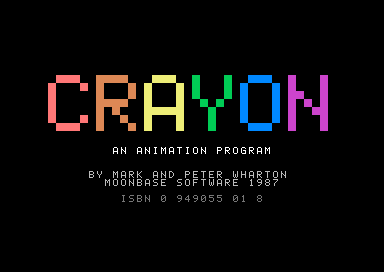
The 64's screen is 40 characters across and 25 down: 1,000 characters, each with a byte for its colour, so 2,000 bytes. A picture in CRAYON is one screen.
How big things are
A kilobyte is 1,024 bytes. A megabyte is 1,024 kilobytes, and a gigabyte is 1,024 megabytes.
- a byte
- 1 byte
- a character
- 8 bytes
- the 64's screen
- 2,000 bytes
- CRAYON, the whole program
- about 10 kilobytes
- the Commodore 64's memory
- 64 kilobytes
- Apollo's guidance computer
- 76 kilobytes
- a photo from a phone
- about 3 megabytes
Apollo's guidance computer held 76 kilobytes, most of it woven into its core rope. A photo from a phone would need 39 of them.
In the age of AI it is good to know how things worked: to work within limits, and to get the most out of every bit and byte in the system.